 HWPilot
Fill a form
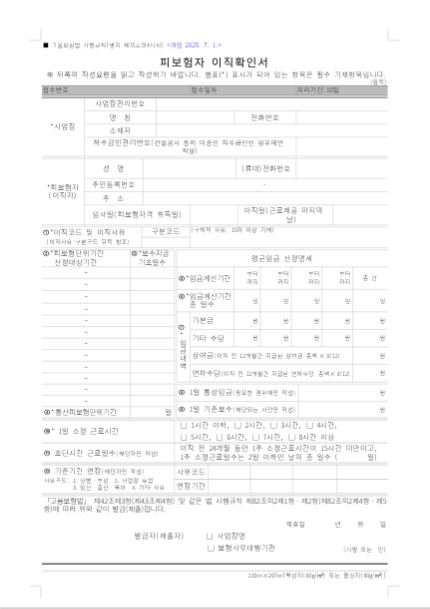
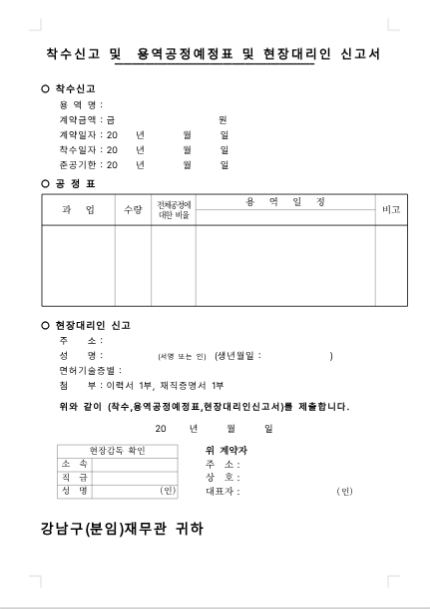
Official forms and forms you receivedfields filled, layout kept
Open forms set by government or courts from the form gallery, or upload the one your school or agency sent. Tables and fields stay; only the content is filled.
Add to ChatGPT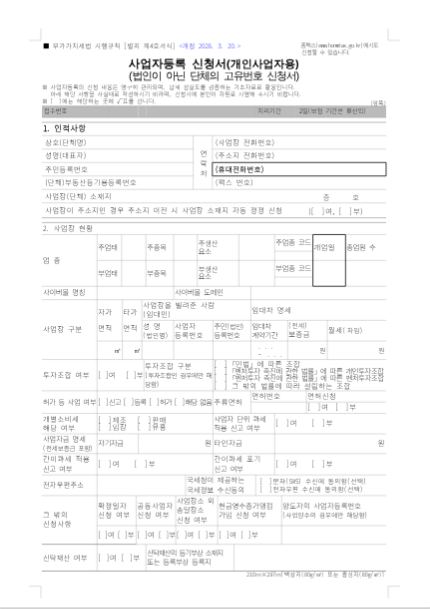
Open the separation form and fill it for the employee who left.
Who writes these
The documents schools, agencies and companies write, and the months they pile up.
| Who | Documents | Busiest months |
|---|---|---|
| Teachers |
| Feb–Apr, Aug–Oct, Dec |
| Public agencies & companies |
| Jan–Apr, Sep–Dec |
| Startups & businesses |
| Jan–Apr, Jul, Oct–Nov |
- Official form
- Form you received
- Written from scratch
Where HWP files slow you down
Finding the form takes time
Every ministry site keeps forms in a different place.
Fields are hard to read
Legal field names and guides must be read before filling.
Pasting pushes the tables
Text from elsewhere adds rows and spills onto new pages.
What HWPilot does
Opens the form directly
Name an official form, or upload the one you got, and it opens intact.
Reads the guide and fills
Reads each field's guide and asks for the values it needs.
Values only, form untouched
Leaves wording and tables alone and flags overflow and leftover samples.